Manager Yuan:18018037702
Manager Ma:17705182284
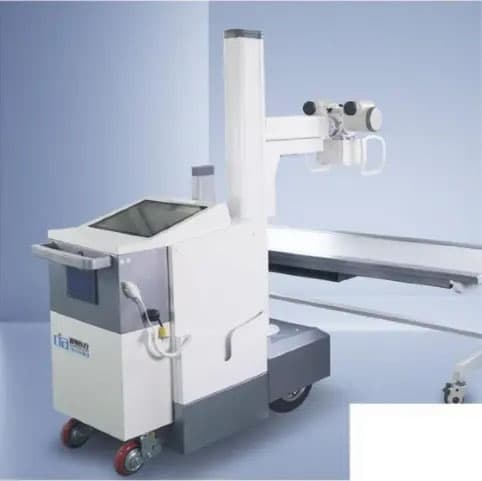
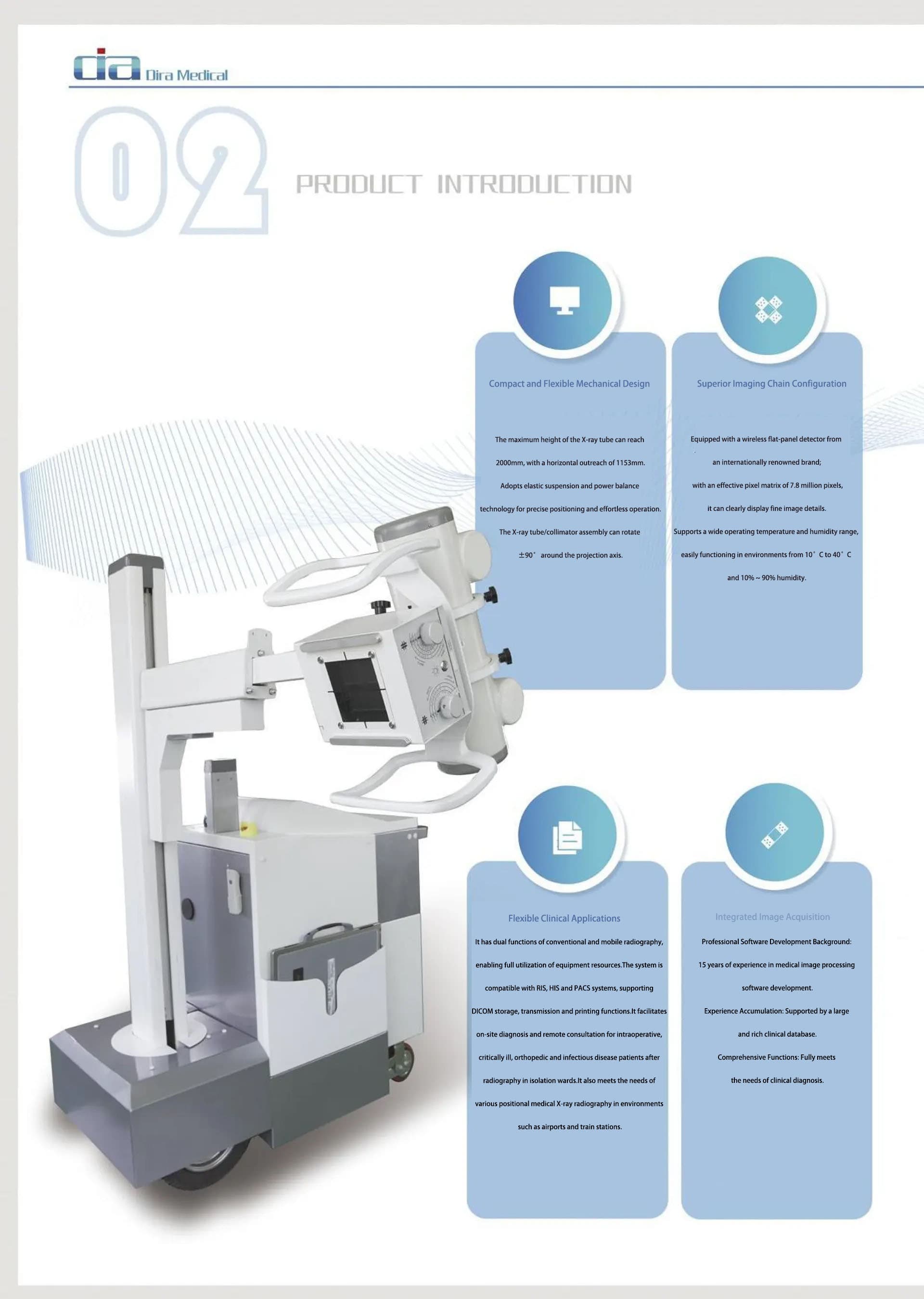
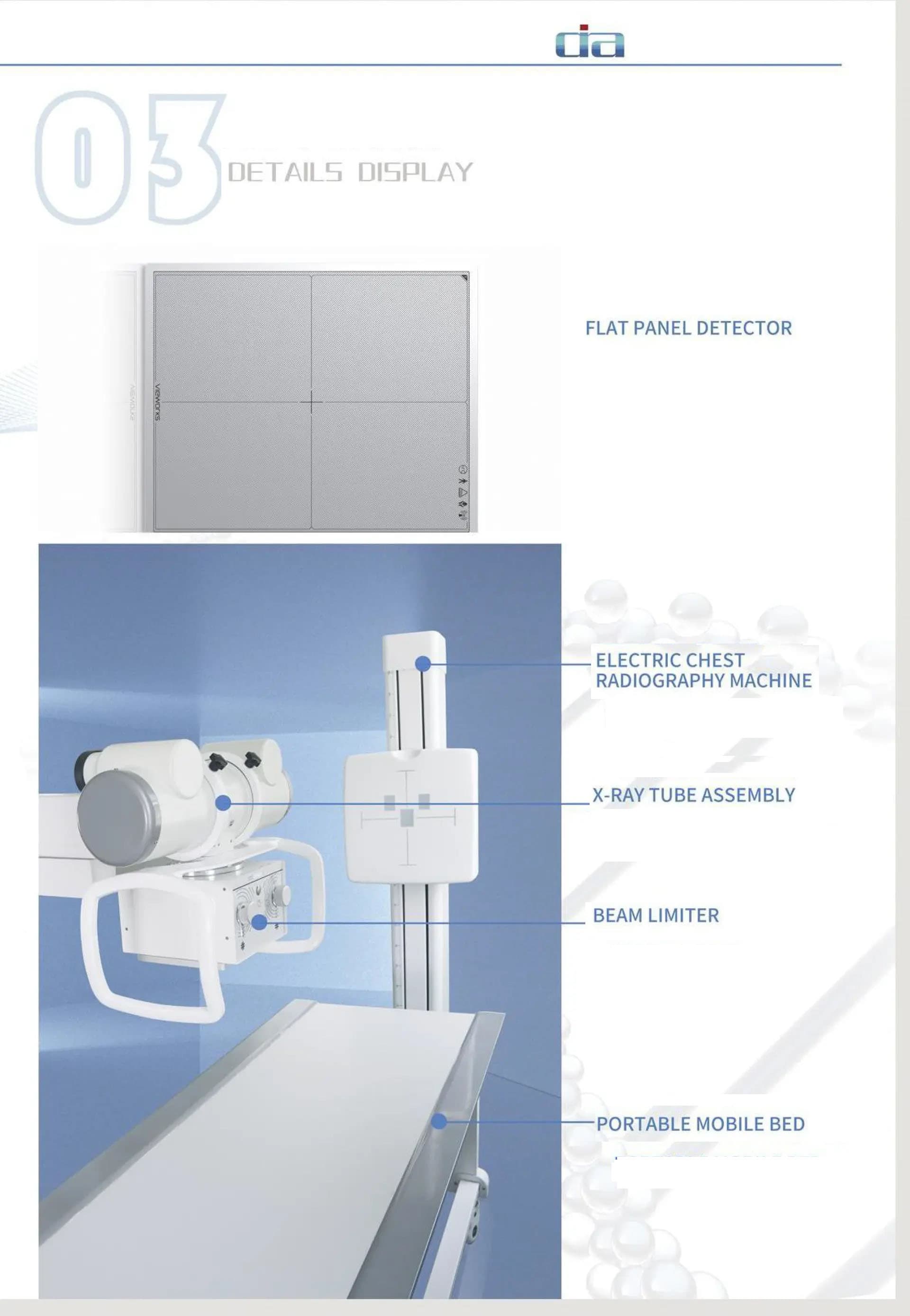
1. Wireless Flat-Panel Detector System Quantity: 1 Maximum imaging area: 43 cm x 36 cm; Number of pixels: 7.68 million Pixel size: 139 µm; Spatial resolution: 3.6 lp/mm; Bit depth: 16 bit Image acquisition time: < 4 seconds Weight: 3 kg 2. Motor-Assisted Mobile Mechanical System Quantity: 1 X-ray tube vertical travel range: 400 mm - 1800 mm; Tube extension range: 400 mm - 800 mm Column rotation range: 0° - 300°; X-ray tube assembly rotation range: -90° - +135° Mechanical dimensions (L × W × H): 1350 mm × 600 mm × 1700 mm Minimum turning radius: 550 mm; Total system weight: 350 kg 3. High-Voltage Generator Quantity: 1 Maximum tube voltage: 125 kV; Maximum tube current: 250 mA Input power: AC 220V, 2-phase 3-wire, 50/60 Hz mAs range: 0.32 - 250 mAs Maximum exposure time: 1 s 4. X-Ray Tube Assembly Quantity: 1 Dual focal spots: 0.6 mm / 1.2 mm; Operating tube voltage range: 40 kV - 150 kV Maximum anode heat capacity: 150 kHU; Maximum housing heat capacity: 1800 kJ (fanless) Rotating anode speed: 2700 rpm 5. Collimator Quantity: 1 Type: Manual LED collimator Power supply: 24 V AC/DC; Power rating: 20 W Inherent filtration: 2 mm Al equivalent Maximum field of view: 48 cm × 48 cm (@100 cm SID/FFD) Illuminance: > 160 LUX 6. Acquisition Workstation Configuration Quantity: 1 CPU: ≥ Intel i5 GHz RAM: ≥ 8 GB SSD: ≥ 256 GB Graphics card: SVGA, resolution ≥ 1024 × 768 Network: Gigabit Ethernet adapter Standard: Compliant with DICOM 3.0 Operation: Touchscreen display control 7. Software Functions (Patient Management) Remote retrieval of RIS patient information via Worklist protocol Manual creation of patient examination records Emergency quick registration Simple, advanced, or custom data query methods Support for DICOM standard image CD/DVD burning, viewable on any standard image workstation Query and management of historical image data Disk space monitoring with automatic old exam data cleanup DICOM image sending for seamless integration with hospital PACS Support for text/image reports with built-in report knowledge base Patient printout with exposure count displayed in the patient list Convenient viewing of original images 8. Software Functions (Image Processing) Manual/automatic/preset window width/level, local window width/level Positive/negative image operations, image flip, rotation, zoom, and pan Automatic or manual addition of image information Measurement tools: line, angle, rectangle, ellipse, polygon, etc. Tissue equalization, image contrast enhancement, pixel dose optimization Edge enhancement: automatically identifies and analyzes images to improve edge sharpness 1:1 preview of image post-processing for intuitive diagnosis during image optimization Computer-Aided Diagnosis (CADView): clear image details on mouse click to assist accurate diagnosis 9. Software Functions (Dynamic Range Optimization) Automatic compression of the original image dynamic curve for easier diagnosis High-frequency image enhancement Enhanced image contrast and detail resolution, significantly improving trabecular bone visualization Noise suppression: automatic filtering of spurious signals to reduce image noise and improve signal-to-noise ratio 10. Software Functions (Film Printing) Settings for film properties, image layout, and printing mode Manual/automatic quick layout, with selection of any networked printer Customizable patient information and display position Print queue management support Print priority setting support